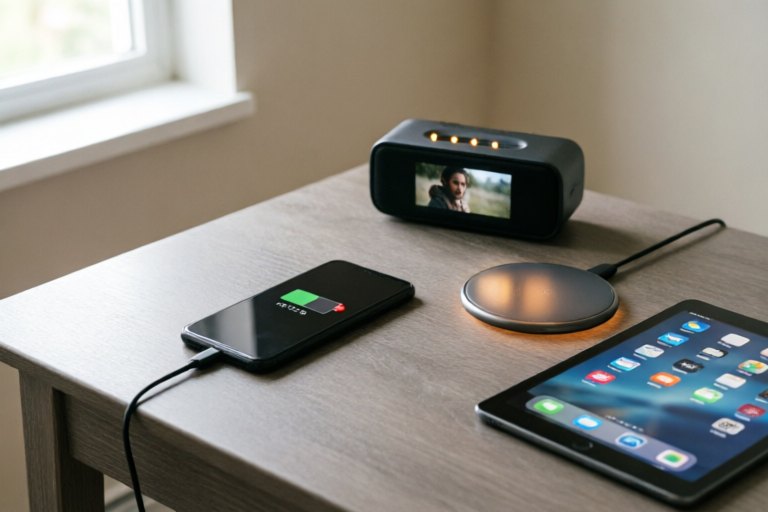
Why Does My Smartphone Battery Drain So Fast?
Maximize Your Smartphone Battery Life
Introduction to the Problem
Smartphone users often complain about their devices' batteries draining too quickly. Understanding the reasons behind this issue is crucial for enhancing the longevity and performance of your device. This article delves into the various factors contributing to rapid battery drain and provides actionable solutions to help you extend your phone's battery life.
Common Causes of Rapid Battery Drain
High Screen Brightness and Frequent Use of Display Features
The screen is one of the most power-hungry components of a smartphone. Setting your screen brightness to the maximum level can significantly reduce battery life. Additionally, using features like live wallpapers, high-resolution videos, and augmented reality apps can also consume a lot of energy. To save battery, consider lowering the screen brightness or enabling the auto-brightness feature.
Background Apps Consuming Excessive Power
Many apps continue to run in the background even when they are not in use, which can lead to unnecessary battery consumption. Social media apps, messaging apps, and streaming services often stay active in the background, checking for updates and notifications. Regularly reviewing and closing these apps can help conserve battery power.
Bluetooth, GPS, and Wi-Fi Connections Left On Unnecessarily
Leaving Bluetooth, GPS, and Wi-Fi turned on when they are not needed can drain your battery faster. These features continuously search for connections, which consumes significant amounts of power. It's a good practice to turn off these services when they are not required.
Software Factors Affecting Battery Life
Inefficient Operating Systems or Outdated Software Versions
An inefficient or outdated operating system can cause your phone to use more power than necessary. Manufacturers frequently release updates that optimize performance and improve battery efficiency. Ensuring your device runs the latest version of its operating system can make a noticeable difference in battery life.
Heavy-Duty Applications and Games Demanding More Resources
Playing resource-intensive games or running multiple heavy-duty applications simultaneously can put a strain on your phone's battery. These apps require more processing power and memory, leading to increased energy consumption. Limiting the number of apps running at once or choosing less demanding games can help extend your battery life.
Notifications and Push Services Constantly Running in the Background
Push notifications and background services are always active, even when your phone is idle. These services can consume significant battery power if not managed properly. Adjusting notification settings and disabling unnecessary push services can help reduce battery drain.
Hardware Issues Contributing to Quick Battery Depletion
Aging Batteries Losing Their Capacity Over Time
Batteries naturally degrade over time, losing their capacity to hold a charge. As the battery ages, it may not be able to retain a full charge as efficiently as it did when new. If your phone is several years old, consider replacing the battery to restore optimal performance.
Faulty Charging Adapters or Cables Accelerating Wear and Tear
Using low-quality or incompatible charging adapters and cables can accelerate the degradation of your phone's battery. Always use original or certified third-party chargers and cables to ensure proper charging and protect your battery from damage.
Physical Damage Affecting Internal Components
Dropping or physically damaging your phone can affect its internal components, including the battery. If your phone has been exposed to water or other forms of physical trauma, it may be worth having it inspected by a professional to ensure there are no hidden issues affecting battery performance.
Tips for Extending Your Phone's Battery Life
Practical Steps Users Can Take to Improve Battery Efficiency
- Lower screen brightness: Reduce the screen brightness or enable auto-brightness to save power.
- Disable unnecessary features: Turn off Bluetooth, GPS, and Wi-Fi when not in use.
- Close unused apps: Regularly close background apps to prevent them from consuming battery power.
- Update your OS: Ensure your device runs the latest version of its operating system.
- Limit resource-heavy activities: Avoid playing resource-intensive games or running multiple heavy-duty applications simultaneously.
- Manage notifications: Adjust notification settings and disable unnecessary push services.
Best Practices for Maintaining and Extending Battery Lifespan
- Use quality chargers: Always use original or certified third-party chargers and cables.
- Monitor battery health: Check your battery's health status regularly and replace it if it shows signs of degradation.
- Avoid extreme temperatures: Keep your phone away from extreme heat or cold, as both can harm the battery.
- Charge wisely: Avoid letting your battery drop to zero and try to charge it before it reaches 20%.
Conclusion and Final Thoughts
Rapid battery drain is a common concern among smartphone users, but understanding the underlying causes and implementing practical solutions can help extend your phone's battery life. By addressing software inefficiencies, managing hardware issues, and adopting best practices for battery maintenance, you can significantly improve your device's performance and longevity. We encourage you to try out these tips and monitor any improvements in your phone's battery life.
Comments

I leave my phone on low power mode most of the time. It makes a huge difference.

Same issue. Tried a new charger and cable. Didn't make a difference though.

I noticed my phone drains faster when I have multiple apps open. Closing them helps but it's annoying.

This worked for me! Turned off location services when not needed and reduced screen brightness. Much better now.

Does anyone know if upgrading the OS can help with battery life? Mine seems worse after the update.

I've been using airplane mode when I don't need data. It really helps save battery.
Same issue here. I thought it was just me. Tried turning off background apps but no luck so far.