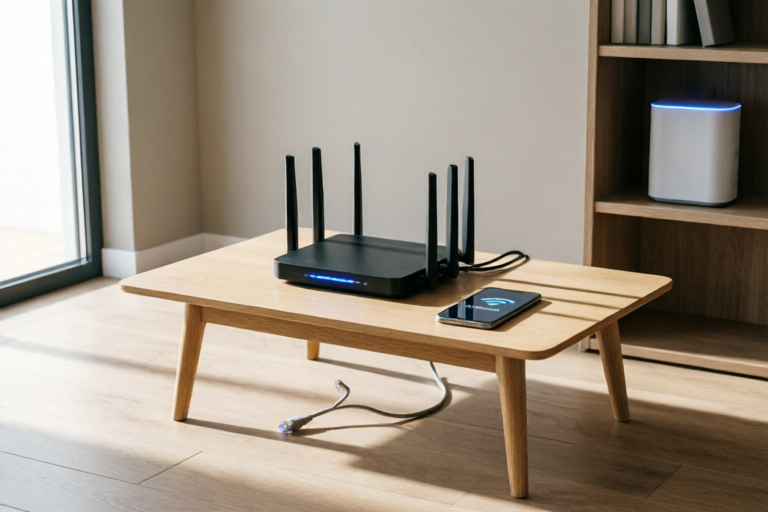
How to Fix Common Home Wi-Fi Connectivity Issues
Strengthen Your Wi-Fi Connection with These Proven Solutions
How to Fix Common Home Wi-Fi Connectivity Issues
Introduction to Wi-Fi Connectivity Issues
Wi-Fi connectivity issues can disrupt daily activities, from streaming videos to working remotely. Understanding the common problems and their causes is the first step towards resolving them.
- Overview of common home Wi-Fi problems: Slow internet speeds, intermittent connections, and dead zones are frequent complaints among users.
- Importance of a stable internet connection: A reliable Wi-Fi network is crucial for online gaming, video calls, and downloading large files.
Troubleshooting Basic Wi-Fi Problems
Before diving into more complex solutions, it's essential to address basic issues that could be causing your Wi-Fi problems.
- Restarting your modem and router: Sometimes, simply restarting your equipment can resolve connectivity issues.
- Checking cables and connections: Ensure all cables are securely connected and not damaged.
- Ensuring correct placement of the router: Place your router in a central location to maximize coverage.
Adjusting Router Settings
Once the basics are covered, you may need to tweak your router's settings for optimal performance.
- Changing the Wi-Fi channel to reduce interference: Use a tool to scan for available channels and switch to one with less congestion.
- Updating firmware for better performance: Manufacturers frequently release updates that improve router functionality.
- Adjusting security settings for improved speed: Disable features like WPA3 if they're not necessary for your network.
Enhancing Wi-Fi Signal Strength
If your Wi-Fi signal is weak, consider these methods to boost its strength.
- Using Wi-Fi extenders or mesh systems: Extenders and mesh systems can cover larger areas with stronger signals.
- Positioning devices closer to the router: Move your devices closer to the router for better reception.
- Utilizing signal boosters or repeaters: Boosters and repeaters can amplify your Wi-Fi signal.
Identifying and Resolving Interference Sources
Interference from other electronic devices or overlapping networks can weaken your Wi-Fi signal.
- Detecting and mitigating nearby electronic interference: Identify potential sources of interference and take steps to mitigate them.
- Avoiding physical obstructions that weaken signals: Keep your router away from walls, metal objects, and other obstacles.
- Checking for overlapping networks in the area: Use a tool to see if there are other networks on the same channel as yours.
Professional Help and Future Prevention
Sometimes, despite your best efforts, you may need professional assistance. Additionally, regular maintenance can prevent future issues.
- When to contact an IT professional for assistance: If your Wi-Fi problems persist after trying all the above solutions, consider hiring a professional.
- Regular maintenance tips to prevent future issues: Schedule routine checks and updates for your router and network.
Conclusion
In summary, maintaining a strong Wi-Fi connection involves addressing basic issues, adjusting settings, enhancing signal strength, and preventing interference. By following these steps, you can ensure a reliable and fast internet experience at home.
Comments

Switched to a mesh system and it's been game-changing. No more dead zones in the house.

Restarting the router every day helps keep things running smoothly. It's like giving it a little reset.

Turns out my microwave was causing interference. Moved it away from the router and now my Wi-Fi is much more stable.

Avoided physical obstructions and moved my router to a central location. Now I have much better coverage throughout the house.
Updating the router's firmware made a huge difference. Didn't know it could boost speeds so much.

I use a Wi-Fi extender and it really helped with signal strength in my basement. Worth the investment!

Same issue here. My Wi-Fi keeps dropping. Tried resetting the modem and router but no luck. Any other suggestions?