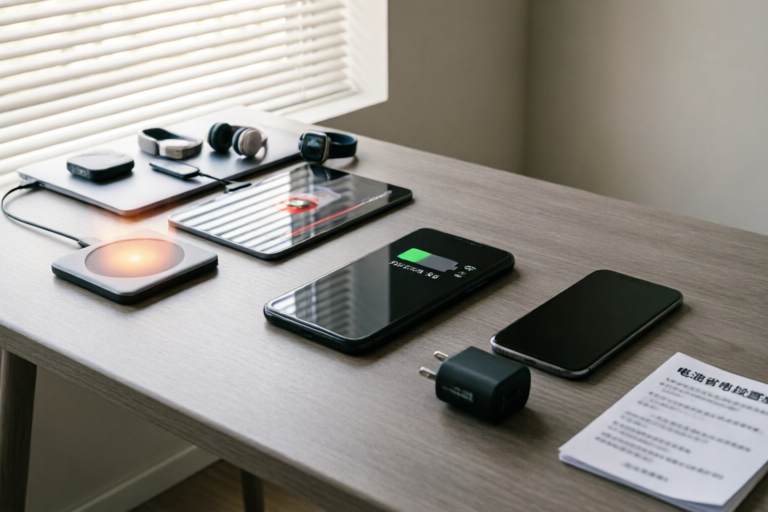
Why Does My Phone Battery Drain So Fast?
Extend Your Phone's Battery Life with These Simple Tips
Introduction to the Issue
One of the most common complaints among smartphone users is the rapid depletion of their device's battery. Understanding the causes of this issue is crucial for maintaining optimal phone performance and extending the lifespan of your device. In this article, we will delve into the various factors that contribute to fast battery drain and provide practical solutions to help you conserve battery life.
High Usage of Power-Consuming Apps
Among the top culprits for rapid battery drainage are power-hungry applications such as social media platforms, gaming apps, and video streaming services. These apps require significant processing power and network connectivity, which can quickly deplete your battery. To manage app usage effectively, consider the following tips:
- Close unused apps: Leaving apps running in the background can consume unnecessary battery power. Regularly close apps you're not using.
- Limit background data: Disable background data for apps that don't require it, especially those that frequently update or refresh content.
- Use dark mode: Many apps offer a dark mode option, which can reduce energy consumption by lowering the brightness of the screen.
Screen Brightness and Display Settings
The screen is one of the most power-intensive components of a smartphone. Adjusting your screen brightness can have a significant impact on battery life. Here are some recommendations:
- Lower screen brightness: Reducing the brightness level of your screen can save a considerable amount of battery power.
- Enable auto-brightness: This feature automatically adjusts the screen brightness based on ambient light conditions, helping to conserve battery.
- Turn off unnecessary animations: Disabling animations and transitions can also help reduce battery consumption.
Background App Refreshes and Notifications
Background app refresh and constant notifications can significantly affect battery performance. Here’s how you can optimize these settings:
- Disable background app refresh: Limit the number of apps allowed to refresh in the background. Only essential apps should be enabled for this feature.
- Optimize notification settings: Reduce the frequency of notifications or disable them for non-essential apps.
- Use Do Not Disturb mode: This mode silences all notifications except for calls from contacts, which can help preserve battery life.
Poor Charging Habits and Accessories
Inadequate charging habits and the use of subpar accessories can negatively impact battery health over time. Here are some proper charging practices:
- Avoid fast chargers: While fast chargers can charge your phone quickly, they can also cause heat buildup and shorten the overall lifespan of your battery.
- Use original chargers and cables: Third-party accessories may not meet the same quality standards as manufacturer-approved products, potentially leading to issues with charging efficiency.
- Charge at optimal intervals: Instead of waiting until your battery is critically low, try to charge your phone when it reaches around 20%.
Conclusion and Final Tips
In conclusion, understanding the factors contributing to rapid battery drainage is the first step toward better phone maintenance. By managing high-power-consuming apps, adjusting screen brightness, optimizing background processes, and adopting healthy charging habits, you can significantly extend your phone's battery life. Additionally, consider enabling airplane mode during long periods of inactivity, as it disables all wireless connections, further conserving battery power. With these simple yet effective tips, you'll be able to enjoy longer battery life and enhance the overall performance of your smartphone.
Comments

Same here. I just want my phone to last through the day without constantly charging.

I switched to a slower charger and my battery health has improved. Is this really better for the battery?

This worked for me! I disabled background app refresh and now my battery lasts much longer.

Playing games all day is killing my battery. Any suggestions for balancing gaming and battery life?

I noticed my battery drains faster at night. Is that because of the dark mode or something else?

I switched to adaptive brightness and it helped a lot! Also, turning off unnecessary notifications made a huge difference.

Same issue here. My phone barely lasts a day with normal use. Any tips for reducing background app usage?